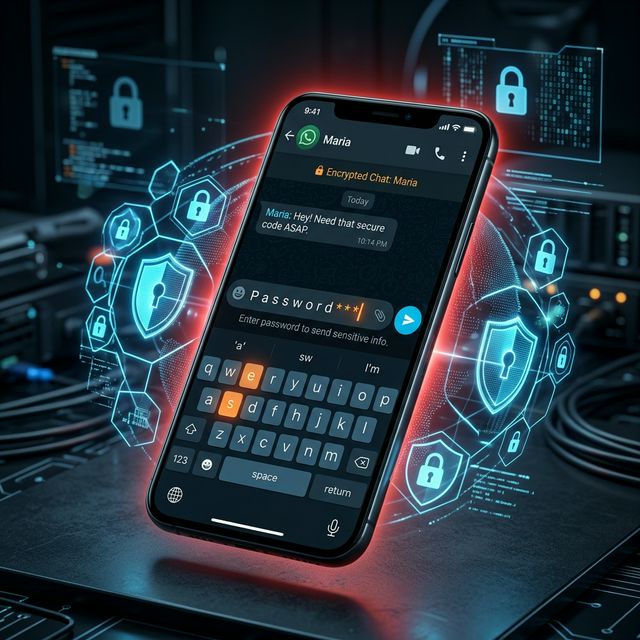
Why Sharing Passwords on WhatsApp Is Dangerous
Every day, teams around the world type something like this into WhatsApp: *"Hey, here's the login: admin@company.com / Pass123!"*
It feels harmless. It's fast. It works. But it's one of the riskiest things your team can do.
What actually happens when you share a password on WhatsApp
WhatsApp messages are stored on your phone, in cloud backups (Google Drive, iCloud), and on WhatsApp's own servers. That means your password now lives in at least four places, and you have no control over any of them.
Cloud backups are often not end-to-end encrypted, meaning your provider can technically read them.
Message history lingers for years. Former employees, people who pick up your phone, or anyone who gains access to your WhatsApp account can scroll back and find it.
Screenshots happen. People forward messages. Group chats grow.
It's not just about encryption
Even if WhatsApp's encryption is strong, the real problem is not the transit. It is where the message lands and stays long after the conversation ends.
If an employee leaves your company and you forgot to revoke their access, those credentials are sitting in their chat history forever.
What you should do instead
The safest approach is to never share the actual password at all. Tools like SessionShare let you give someone access to an application without them ever seeing or needing the underlying credentials. Access is time-limited, auditable, and revocable in one click.
At minimum, use a proper secrets manager (not WhatsApp, Telegram, Slack, or email) if you must share credentials.
The bottom line
If your team is sharing passwords over messaging apps, it is not a question of whether something will go wrong. It is a question of when. The good news is that fixing this is easier than you think.